
Introduction
CCTV cameras are widely installed across homes, offices, retail environments, warehouses, and shared residential properties, yet many people remain uncertain about whether these cameras are actually operating at any given moment. It is common for occupants, employees, or visitors to notice cameras mounted on walls or ceilings and wonder if they are switched on, actively recording, or simply installed as a deterrent. This uncertainty can create discomfort, raise privacy-related concerns, or lead to misplaced confidence in security coverage. Understanding how to identify whether a camera is active is especially important in environments that rely on CCTV Installation in Dubai, where transparency, correct configuration, and regulatory awareness are essential.
Knowing whether a CCTV camera is on or recording is not only about security effectiveness but also about accountability and trust. Property owners need assurance that their systems are functioning as intended, while occupants deserve clarity about when and how surveillance is taking place. Cameras can sometimes appear inactive while silently recording, or appear active due to visible indicators, even when recording is disabled. Without proper knowledge, assumptions can easily replace facts.
This blog explains in detail how to determine whether a CCTV camera is powered on or actively recording. It focuses on observable indicators, system behaviour, and technical signs, helping readers gain clarity without needing advanced technical skills.
Understanding the Difference Between Being Powered On and Recording
One of the most important concepts to understand is that a CCTV camera being powered on does not always mean it is recording. These are two separate states, and confusing them often leads to misunderstandings about system performance. A powered-on camera simply means it is receiving electricity and its internal components are active, while recording means that video footage is actively being captured and stored.
Many modern CCTV systems are configured to record only under specific conditions. For example, cameras may record only when motion is detected, during scheduled hours, or when triggered by other security events. This means a camera can be fully operational but not recording at a particular moment, even though it will begin recording automatically when conditions are met.
Understanding this distinction helps users avoid assuming system failure when cameras are behaving exactly as configured. It also highlights the importance of knowing how recording schedules and triggers are set within the system.
Physical Signs That a CCTV Camera Is Powered On
Most CCTV cameras provide some form of physical indication that they are receiving power. These indicators vary depending on camera model, manufacturer, and system design, but they are often subtle and easy to miss without knowing what to look for.
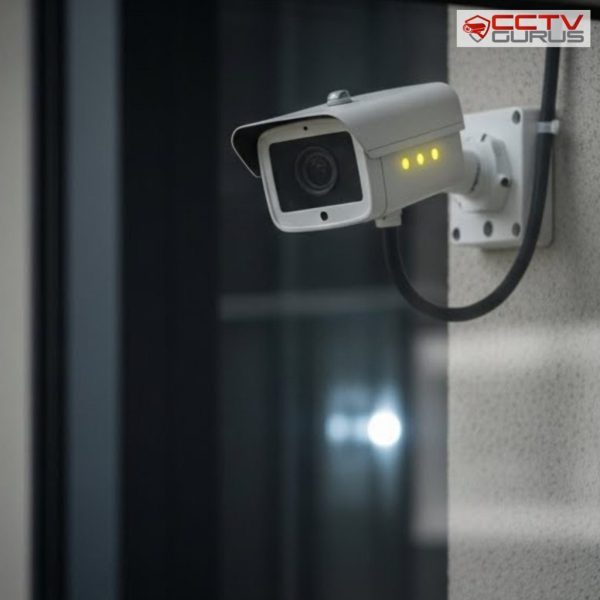
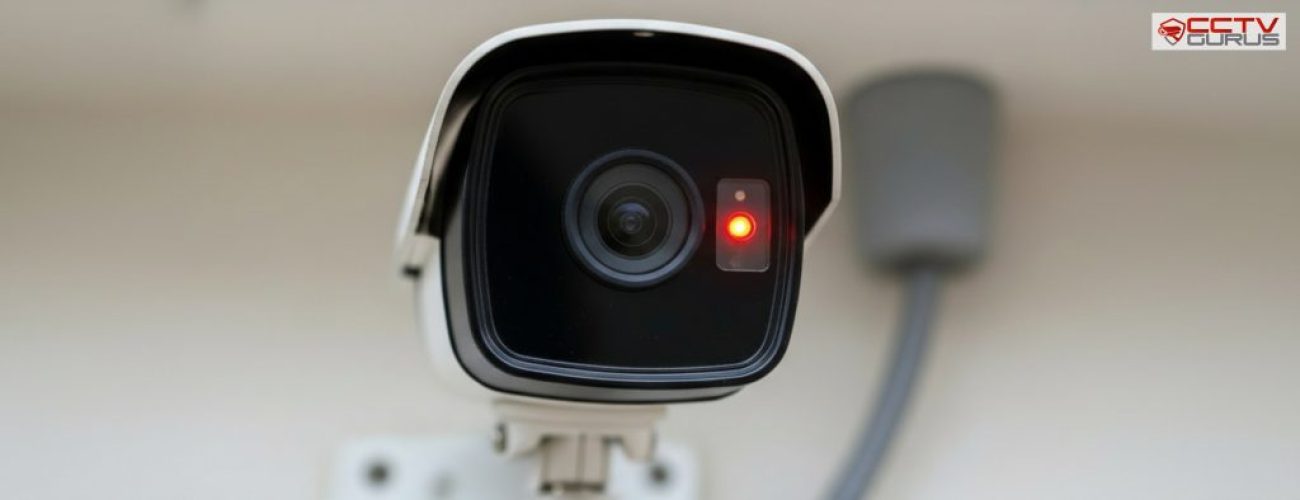
Common physical signs include small LED lights located near the lens or on the camera housing. These lights may glow steadily, blink intermittently, or change color depending on the camera’s operational state. In low-light environments, some cameras emit a faint infrared glow when night vision is active.
It is important to note that not all cameras display visible indicators. In many professional installations, indicator lights are disabled intentionally to maintain discretion. This means the absence of visible light does not necessarily mean the camera is off or inactive.
Infrared Activity and Low-Light Indicators
Infrared functionality provides another useful clue, particularly in dark or low-light environments. Many CCTV cameras automatically activate infrared LEDs when ambient light drops below a certain level. These LEDs allow the camera to capture clear footage even in complete darkness.
When infrared is active, a faint red or purplish glow may be visible around the camera lens. This glow indicates that the camera is powered and actively adjusting to lighting conditions. However, newer cameras may use infrared wavelengths that are less visible to the human eye, making this indicator harder to detect.
While infrared activity suggests the camera is operational, it does not always confirm that footage is being recorded. It only confirms that the camera is capable of capturing images at that moment.
Mechanical Movement and Automatic Adjustments
Some cameras provide operational clues through physical movement or subtle mechanical sounds. PTZ cameras, for example, may rotate, tilt, or zoom periodically as part of automated patrol settings or when manually controlled by an operator. These movements clearly indicate that the camera is powered and active.
Even fixed cameras may produce faint clicking sounds when switching between day and night modes or adjusting focus. These sounds are normal and indicate internal mechanisms responding to environmental changes. The absence of movement or sound does not necessarily mean inactivity, particularly for fixed cameras designed to operate silently.
Confirming Recording Through the Monitoring Interface
For authorized users, the most reliable way to confirm whether a camera is recording is through the system’s monitoring interface. Viewing live footage on a connected monitor, computer, or authorized device confirms that the camera is active and transmitting data.
Most systems also display recording indicators within the interface. These may appear as icons, coloured borders, or text labels next to camera feeds. Playback timelines further confirm whether footage is being stored by showing recorded segments over time. This method removes guesswork and provides definitive confirmation of recording status.
Using Motion Events and System Logs as Evidence
In systems configured for motion-based recording, event logs provide valuable insight into recording activity. These logs document when motion is detected and when recording is triggered, along with timestamps and camera identifiers.
Reviewing motion events helps confirm that a camera is not only active but also recording as intended when activity occurs. It also helps identify configuration issues if expected recordings are missing or inconsistent. Event logs are especially useful in environments where continuous recording is not used.
Power, Cabling, and Network Indicators
The physical infrastructure supporting a CCTV system can also provide indirect clues about camera activity. Visible power connections, connected network cables, and active ports on switches indicate that cameras are integrated into the system.
In professional setups, structured cabling ensures reliable power and signal delivery to each camera. Proper cable management reduces signal loss and makes it easier to verify connectivity during inspections. In systems that rely on data networking, network activity lights on switches or ports may blink, indicating data transmission from cameras to recording devices.
Integration With Other Security Technologies
CCTV cameras are often part of a broader security ecosystem that may include an access control system, audio-visual monitoring tools, and centralized security platforms. Activity within these systems can indirectly confirm camera operation.
For example, cameras linked to access points may trigger recording when doors are opened, while monitoring screens may display live video alongside other security data. This integration provides multiple reference points for confirming camera activity. A well-integrated system improves both usability and verification.
Privacy Awareness and Ethical Considerations
Knowing whether a camera is recording is also important from a privacy standpoint. In shared spaces and workplaces, transparency about surveillance status helps maintain trust and ensures compliance with regulations.
Clear indicators, proper signage, and responsible communication reduce misunderstandings and prevent unnecessary disputes. Ethical surveillance balances security needs with respect for personal boundaries. Proper planning during CCTV installation addresses these concerns proactively.
When Cameras May Appear Active but Are Not Recording
There are situations where cameras appear to be functioning normally but are not recording footage. Storage limitations, configuration errors, or hardware issues can interrupt recording without obvious external signs.
Regular system checks and footage reviews help detect these issues early. Ensuring sufficient storage capacity and correct recording settings prevents gaps in surveillance.
Proactive system management ensures reliability over time.
Why Professional System Design Makes a Difference
Professionally designed systems are easier to understand and manage. Clear interfaces, logical configurations, and proper integration reduce confusion about camera status. Professional planning also ensures compatibility between cameras, recording devices, and supporting infrastructure such as data networking and power distribution. This improves overall system transparency and performance. Good design benefits both system owners and occupants.
Conclusion
Determining whether a CCTV camera is on or recording requires more than a glance. Cameras may be powered without recording or recording without obvious visual indicators. Understanding physical signs, system interfaces, and recording logic helps users accurately assess system activity and avoid false assumptions.
When systems are planned and implemented by Trusted CCTV Installation in Dubai, camera status becomes easier to verify, manage, and explain. Proper design, clear indicators, and reliable infrastructure ensure that surveillance systems operate transparently, responsibly, and effectively over the long term.