
Introduction
CCTV cameras are designed to work continuously, but real-world situations sometimes require a camera to be turned off or temporarily disabled. It might be a planned maintenance task, a system upgrade, a renovation, or a privacy adjustment inside a home or workplace. The problem is that many people treat CCTV cameras like simple plug-and-play devices, and they switch them off abruptly without considering how the system is connected. That single action can cause recording gaps, recorder errors, settings resets, or even storage corruption in some cases. This matters even more in setups related to CCTV Installation in Dubai, where surveillance is often tied to operational security and site compliance.
A CCTV system is usually an ecosystem, not a standalone camera. Cameras may share power supplies, share recording channels, share network devices, and even trigger other security workflows. Turning off one camera the wrong way can create issues that only become visible later, when a user tries to playback footage and finds missing timelines or corrupted files. A safe shutdown approach protects the camera, protects the recorder, and keeps the rest of the system stable. It also makes reactivation smoother, so the camera comes back online without unexpected errors.
In this blog, you will learn when disabling a camera makes sense and when it does not, the difference between turning off power and disabling through settings, how wired and IP systems respond to shutdowns, how to avoid footage loss, and how to restore cameras safely after maintenance. You will also learn the most common mistakes people make, what to check before and after disabling a camera, and how to handle shutdowns in systems integrated with access control, displays, and network infrastructure.
When It’s Actually Appropriate to Disable a CCTV Camera
Disabling a CCTV camera is not always suspicious or harmful. In many cases, it is a responsible step taken to protect equipment and maintain system performance. For example, lens cleaning, cable replacement, mounting adjustments, firmware updates, and power work around the installation point often require a temporary shutdown. If the camera remains on during such tasks, it may record irrelevant footage, trigger false motion alerts, or, in some cases, be exposed to electrical risk during wiring work.
Another valid reason is a planned renovation or interior change. If a wall is being repainted, ceiling panels are being replaced, or a camera mount is being moved, disabling the camera prevents unnecessary recordings and reduces confusion during playback. In workplaces, certain private activities may require the temporary suspension of recording in a specific area, but only when done within legal and policy boundaries. The key is that camera downtime should be controlled, documented, and reversible.
The goal is not only to turn off the camera but to do it in a way that does not create ripple effects in the rest of the system. This is where method matters. The right approach depends on whether the camera is wired, Wi-Fi, IP-based, linked to a DVR, linked to an NVR, or integrated with other building security tools.
Turning Off vs Disabling: Two Different Actions
Many people think “turning off” and “disabling” mean the same thing, but in CCTV systems, they can produce very different outcomes. Turning off usually means cutting power or disconnecting the camera physically. Disabling typically means switching off a channel, stream, or recording rule inside the recorder or camera software. Disabling through settings is often cleaner because the system remains aware of the camera’s status. The recorder does not keep “hunting” for a signal and does not flood the interface with error messages.
Turning off power is sometimes necessary, especially when hardware work is being done. However, cutting power abruptly can cause issues if the camera is in the middle of writing data to onboard storage or if the recorder is indexing streams. In some IP systems, sudden disconnection may trigger reconnect loops, repeated login attempts, or network device overloads. It can also lead to repeated error events and alerts that make troubleshooting harder later.
Choosing the correct method depends on the purpose. If the goal is privacy for a short window, disabling recording rules and live view access may be safer than power removal. If the goal is physical repair, power isolation is necessary, but it should still be done in a controlled way.
Know Your System Type Before You Touch Anything
Before disabling any camera, identify what you’re working with. Is it a DVR-based analog or HD coax system, or is it an NVR-based IP system? Is the camera powered by a standalone adapter, a centralized power box, or PoE through a network switch? Is footage stored on the recorder, on the camera’s SD card, or in the cloud? These details change what “safe shutdown” looks like.
With DVR systems, cameras typically connect via coax and receive power separately. If you disconnect power, you may only impact that camera, unless multiple cameras share one power supply. With IP systems, cameras connect through a network path. Disconnecting a PoE cable can drop that camera, but it may also affect the switch’s power budget and other PoE devices, depending on how it’s configured.
If your CCTV is part of a wider infrastructure that includes data networking or even structured wiring closets, the safest approach is to treat it like an IT system rather than a simple home gadget. A clean process prevents long-term instability and avoids accidental damage to ports, connectors, and settings.
Pre-Shutdown Checklist That Prevents Problems
A safe shutdown begins before you disable anything. First, confirm why the camera needs to be disabled and for how long. If it’s maintenance, schedule a time window and ensure someone is available to verify reactivation. If it’s privacy, confirm the scope and make sure you are not disabling more coverage than needed. Next, identify whether footage needs to be preserved before shutdown. If an incident happened recently, export critical clips before you change anything.
Then, confirm whether the camera shares power or network resources. If several cameras are on one power supply, switching off the supply will take down more than you intended. If the camera uses PoE, confirm which switch port powers it. If your recorder is configured with motion alerts and notifications, consider pausing alerts temporarily so the system does not flood users with “camera offline” warnings.
Finally, document the camera name, channel, and location. This sounds basic, but it prevents confusion later. Many people lose time because they disabled “Camera 6” and forgot it was the back gate, not the hallway.
Safest Method: Disable the Camera Through Recorder Settings
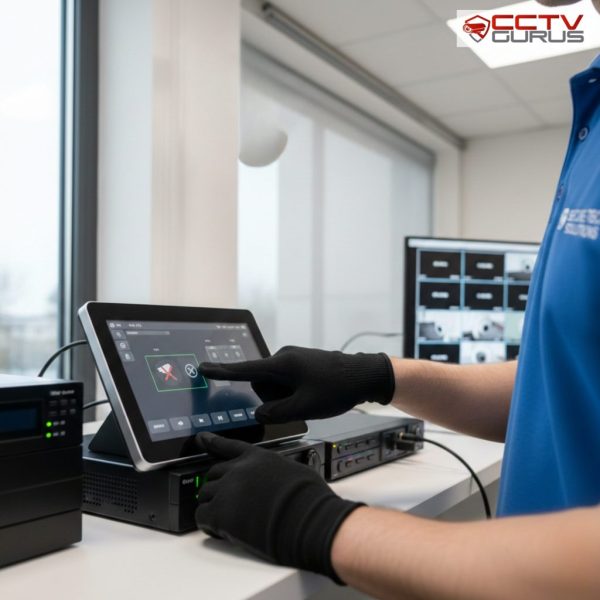
For most situations, the safest method is to disable the camera through the recorder interface. On DVRs and NVRs, this might mean disabling the channel, disabling live view, turning off recording for that channel, or disabling motion triggers. This approach keeps power and connectivity intact while preventing recording and monitoring. It avoids abrupt disconnection and reduces the chance of configuration issues.
In some systems, you can also limit permissions instead of disabling the camera completely. For example, you might restrict viewing on mobile apps or remove access for certain users temporarily. This is useful when you need privacy without physically altering the system. It also ensures the camera can be re-enabled quickly without needing to reconnect or re-pair anything.
If your CCTV is part of a setup that includes an access control system, this method is especially helpful because it reduces integration failures. The system remains online, but the camera channel is logically disabled based on your needs.
If You Must Cut Power: Do It Properly
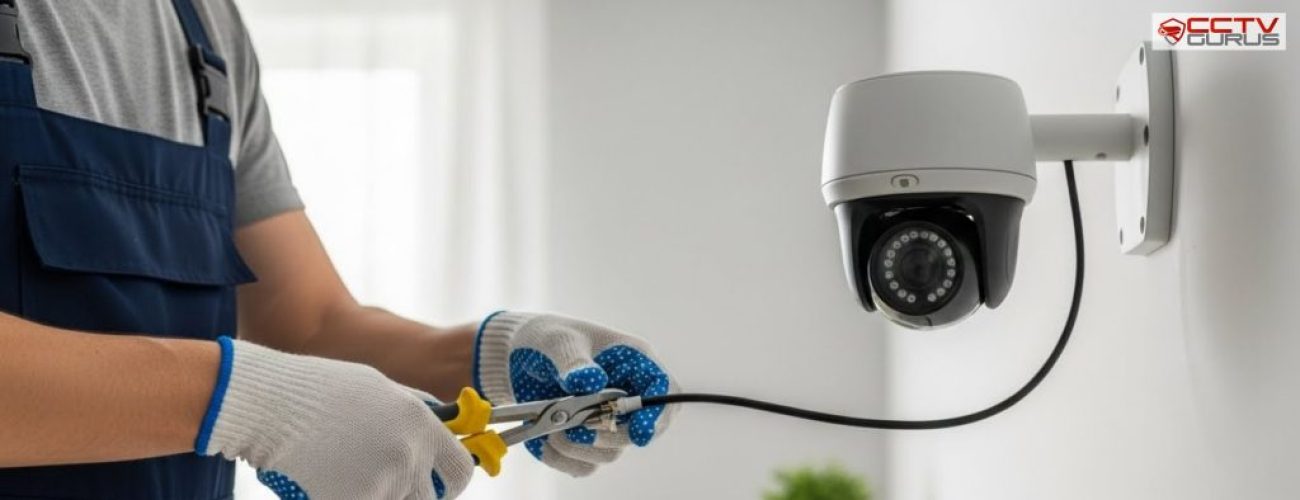
Sometimes you must physically cut power, especially when relocating the camera, changing mounts, replacing damaged power cables, or working on connectors. In this case, the safe method is to isolate power at the correct point. If the camera is powered by an adapter, unplug the adapter from the wall rather than pulling the cable from the camera body, because yanking connectors can loosen ports and damage terminals over time.
If the camera uses PoE, disable the specific PoE switch port if your switch supports it, or unplug the Ethernet cable carefully from the switch side. Avoid repeated plugging and unplugging at the camera side, as some camera ports are more fragile. After power removal, wait a short moment before handling wiring so any residual power stabilizes.
When you restore power later, do it in a controlled way. Sudden power fluctuations can cause boot loops, especially if the power supply is unstable. This is where surge protection and stable electrical grounding make a real difference.
Disabling Cameras on Mobile Apps Without Breaking the System
Many users want to disable cameras quickly through their mobile app. That’s possible, but it needs care because apps often provide limited controls. Some apps allow you to stop recording, mute notifications, or disable motion alerts per channel. Those are safer than trying to “remove device” because removal may delete pairing details and force a full reconfiguration later.
If the system uses cloud P2P access, disabling the camera incorrectly can also interrupt remote access settings. If you delete a device from the app, it may not affect the camera physically, but it can break access until someone re-adds it with the device code. For businesses, this can create downtime that looks like a system failure.
A better approach is to pause alerts and recording schedules temporarily, then re-enable them when finished. That keeps your app connection stable and avoids future login or pairing issues.
Integration Risks With Displays, Monitoring Rooms, and AV Systems
CCTV systems are often connected to monitoring screens, video walls, or office displays. If your setup includes audio-visuals or a centralized monitoring environment, disabling cameras can create blank panels or switching errors that confuse operators. A camera may be disabled correctly, but if the display system expects that feed, it may trigger an error state.
A clean approach is to update the display layout before disabling the camera. For example, replace the disabled feed with another camera temporarily, or switch the display profile to a maintenance layout. This prevents staff from thinking the camera is broken when it’s simply offline by design.
If your business uses integrated monitoring across multiple screens, controlled disabling is essential. It protects workflow clarity and avoids false escalation during maintenance windows.
What Happens to Recording and Footage During Shutdown
A common worry is whether disabling a camera deletes footage. In most systems, disabling a channel does not delete existing recordings; it only stops new footage from being recorded. However, the risk comes when users accidentally reset the recorder, format storage, or overwrite timelines due to incorrect settings changes. That’s why it’s smart to export important footage before making changes.
If the camera records to an SD card, an abrupt power loss can corrupt the last segment being written. That corruption may not destroy all footage, but it can cause playback gaps. Some systems repair the file structure automatically, while others require manual recovery tools. For recorder-based storage, the risk is lower if shutdown is done via settings rather than power removal. If footage is needed for investigation or reporting, treat the system carefully. Preserve key clips, keep logs, and re-test playback after reactivation.
Reactivating Cameras Safely After Maintenance
Reactivation is where many people slip. They restore power and assume everything is working, but later, they discover the recording never resumed. A safe reactivation process includes three checks: live view, recording, and playback. First, confirm the camera appears correctly on live view. Then check recording indicators and confirm the schedule is active. Finally, playback a short segment after reactivation to confirm footage is truly being stored.
If the camera was disabled in settings, reverse the exact action you took. Re-enable the channel, re-enable recording rules, and re-enable motion alerts if needed. If the camera was physically disconnected, confirm connectors are seated properly, the cable strain is removed, and power is stable. For IP cameras, confirm the camera returns to the network and retains its IP assignment. This process prevents silent failures and restores full security coverage confidently.
Common Mistakes That Create Bigger Problems
One common mistake is disabling the wrong camera. This happens when channels are not labeled properly or when installers use generic names like “Cam1” without location tags. Another mistake is shutting down shared power supplies without realizing that multiple cameras are linked. That creates broader downtime than intended.
Users also often forget to pause notifications before disabling cameras. This creates repeated offline alerts and may lead staff to ignore alerts later because they become “noise.” Another mistake is removing devices from mobile apps instead of disabling features. That can break access and cause unnecessary reconfiguration. The safest mindset is to treat camera shutdown like a planned operational task. Small discipline prevents major headaches.
Preventive Practices So You Don’t Need Emergency Shutdowns
Planned maintenance reduces the need for emergency camera shutdowns. Regularly clean lenses, check mounts, inspect cables, and test playback. Many camera “failures” are actually slow degradation that becomes visible only when the footage quality drops. A simple monthly check prevents surprise downtime.
If your property uses organized wiring, structured cabling reduces accidental disconnections and makes isolation easier during maintenance. Good labeling and clean cable routing also reduce mistakes when identifying camera lines. Also, keep firmware updates scheduled and controlled. Random updates can reset settings, while outdated firmware can create instability. A consistent maintenance plan keeps your system predictable.
Conclusion
Safely turning off or disabling a CCTV camera is not about flipping a switch; it’s about protecting the entire surveillance ecosystem. The safest path is usually disabling through recorder settings, since it maintains system stability and reduces errors. When power removal is necessary, isolating the correct source and restoring power carefully prevents damage and configuration issues.
Proper planning, documentation, and post-reactivation testing ensure cameras return to full operation without silent recording failures. For businesses and properties that rely on professional support, Trusted CCTV Installation in Dubai ensures shutdown and reactivation are handled cleanly, with stable infrastructure, clear system labeling, and reliable technical practices. With the right process, camera downtime becomes controlled and safe rather than disruptive and risky.